Spaced repetition, built in
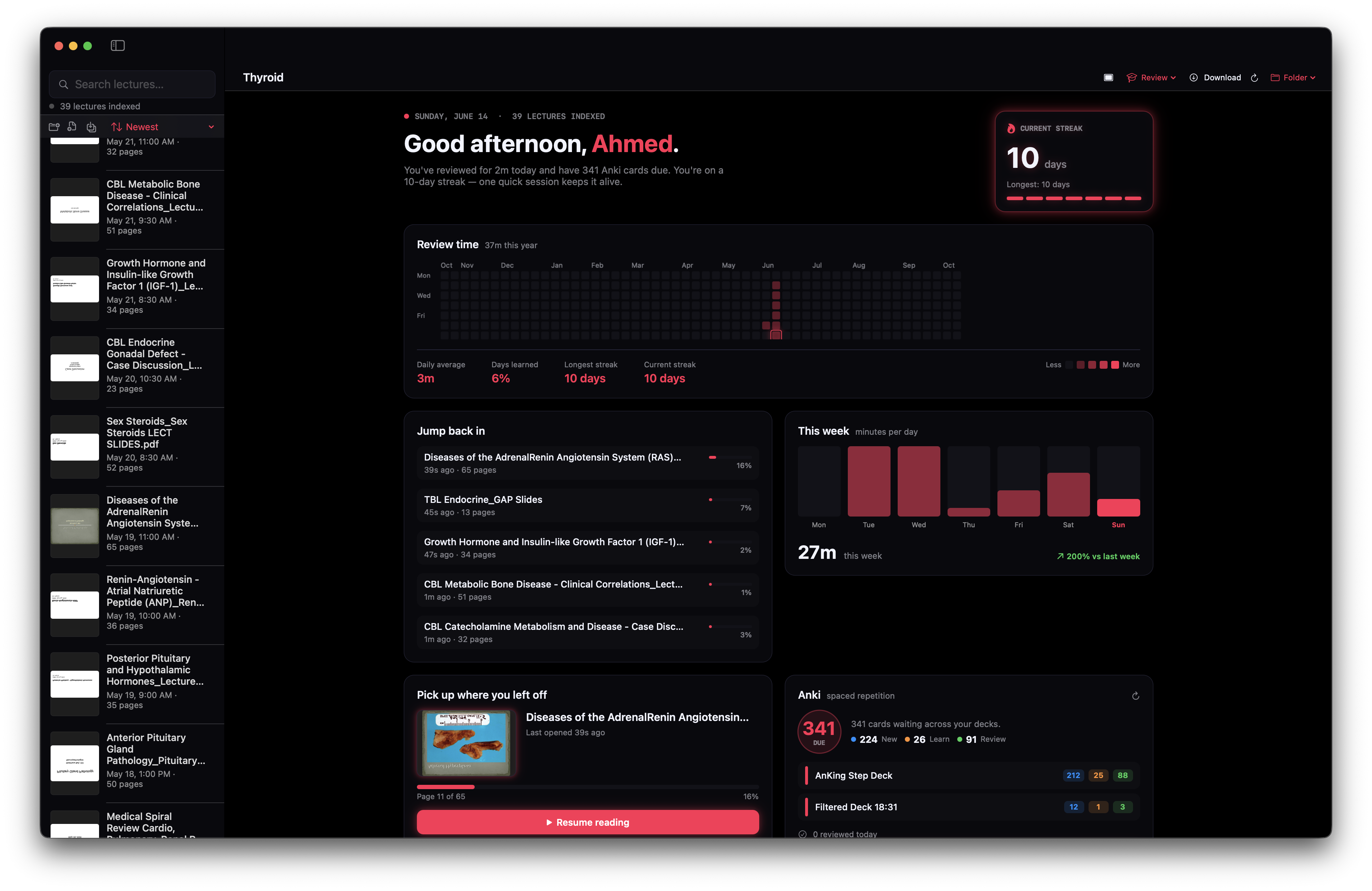
Your Anki decks live right beside your lectures. See what's due and review without ever switching apps.
AnKing Step Deck2122588
Filtered Deck 18:311213
Streaks that actually stick
A little fire every day. Track your longest streak and keep the momentum alive.
10day streak
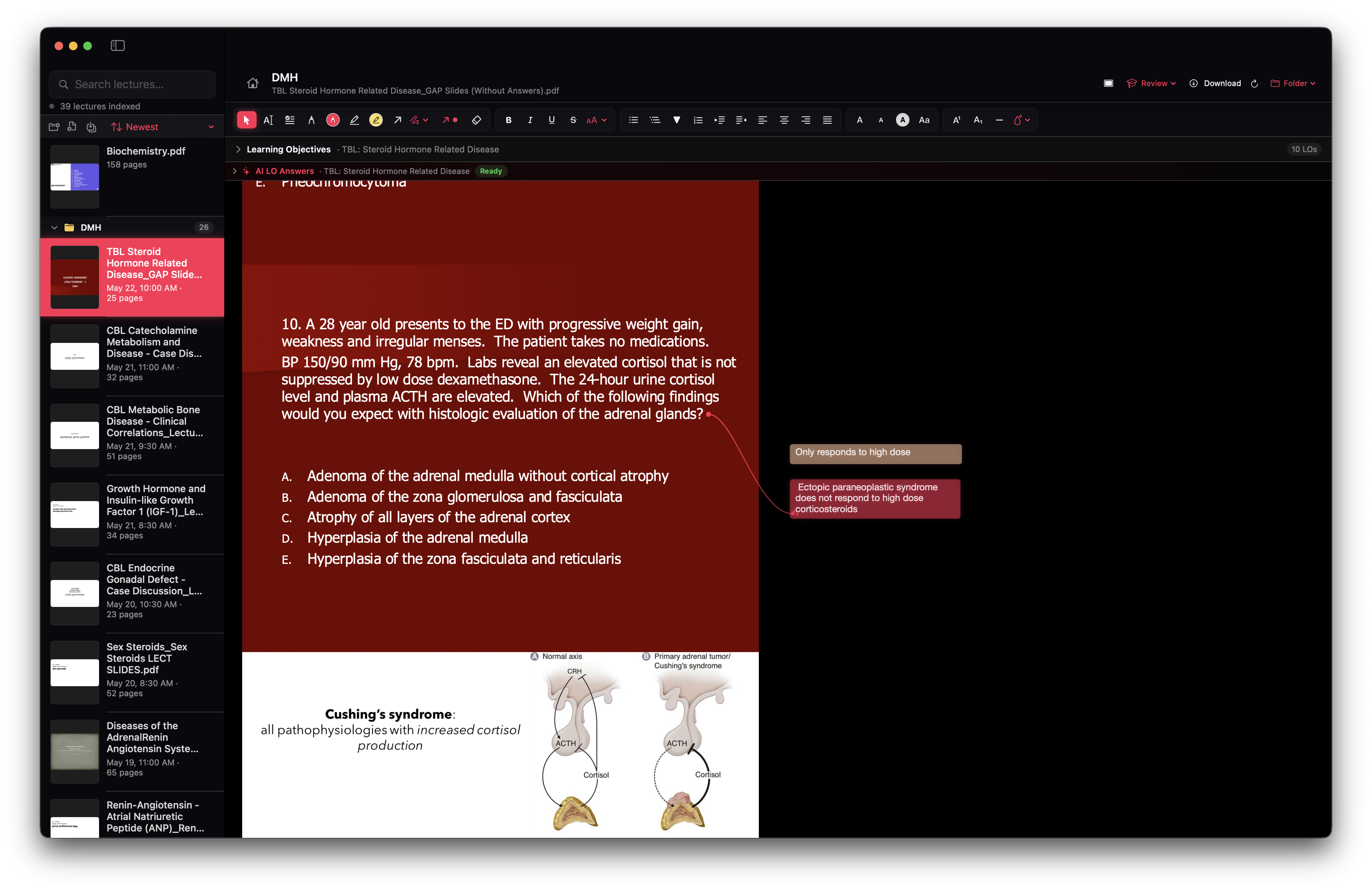
Quiz Me, from your own slides
Generate multiple-choice questions for the open lecture, guided by its learning objectives. Each one can jump you straight to the slide it came from.
Which layer of the adrenal cortex secretes aldosterone?
Zona glomerulosa
Zona fasciculata
Zona reticularis
Split view for two lectures
Open a second lecture side-by-side in a lightweight reader — compare tables or keep an overview deck in view while you annotate.
Indexed search
39 lectures, one search bar. Find any slide, note, or term in milliseconds.
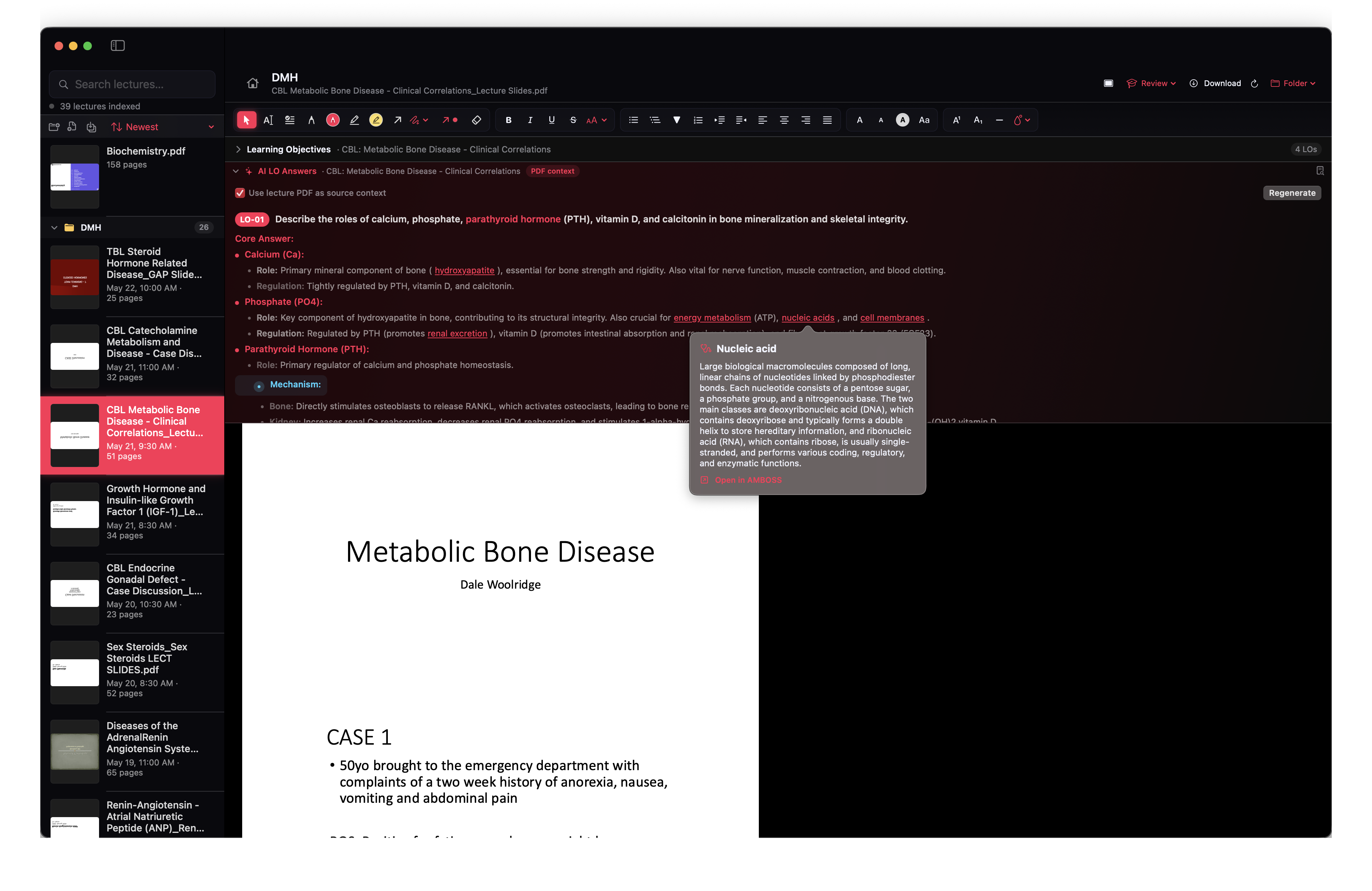
AI LO answers
Generate grounded answers to every learning objective, cited from your own PDFs.
Review heatmap
A year of progress at a glance — every session counts toward the streak.